



Restaurants Qualify for $5,000 welcome bonus when you switch your processing to Highline. See eligibility

45+ banking relationships
Payment Processing

Payments Built Around Your Business.

Take cards in store, online, on the go and over the phone — with the terminals, POS, gateway and bank payments behind them, set up around how your business actually runs.

  • Card present
  • Online
  • ACH & eCheck
  • Mobile
  • Recurring
  • MOTO
Acceptance Live routing
  • Card Present Tap · chip · swipe
  • Online Checkout & links
  • ACH / eCheck Bank to bank
  • Mobile Away from counter
Highline Payment infrastructure
  • Tokenize
  • Route
  • Screen
Authorization Issuer decision
Merchant Funded on schedule

Illustrative diagram of the acceptance path. Funding schedules are set at account setup.

Acceptance

Every way your customers want to pay.

Payment processing is what turns a customer paying into money in your account. These are the ways that can happen — and they run on one merchant account, so adding a channel later is a configuration change rather than a new relationship.

Take payment where the customer already is.

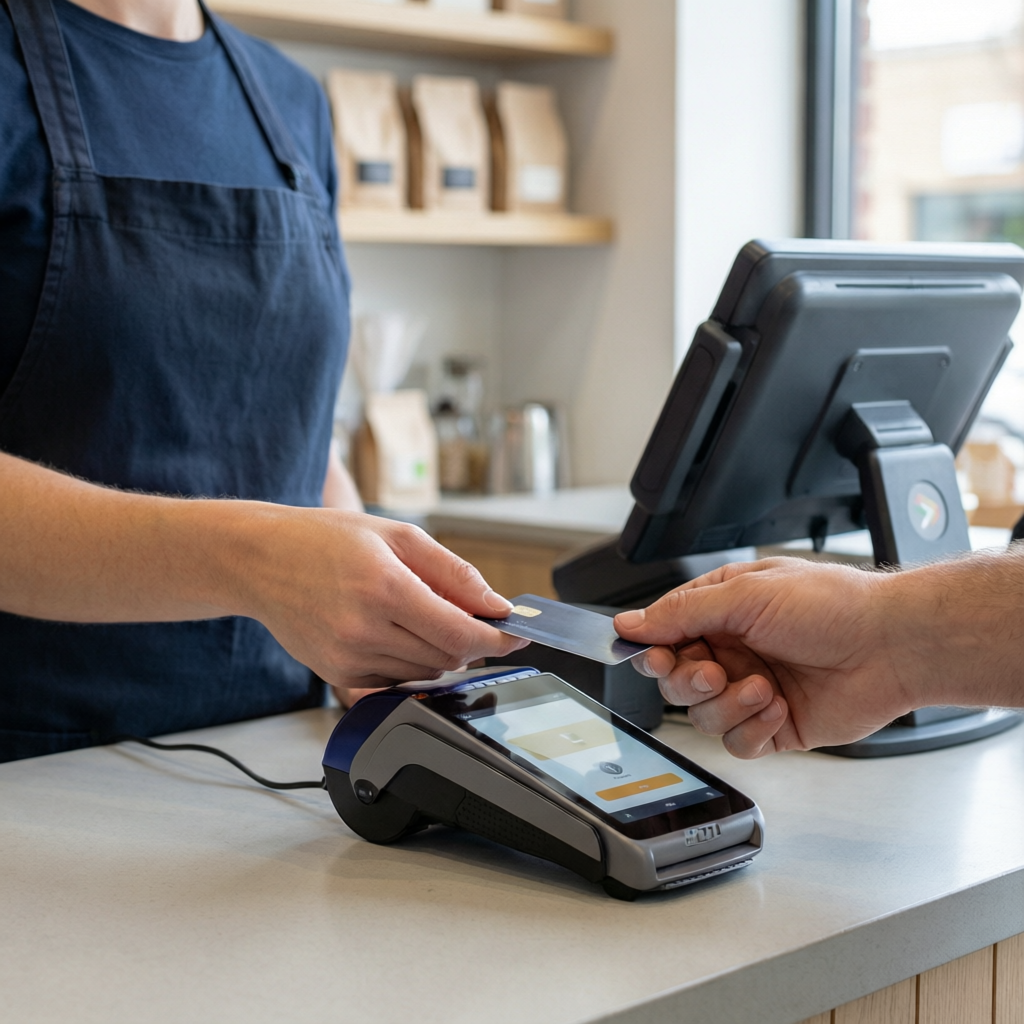
Chip, contactless and swiped cards at the counter, at the table, or at the dispenser. For most brick-and-mortar businesses this is where the revenue is, so the terminal decision matters more than any other one on this page.

  • Typical setupCountertop or smart terminal — chip, contactless and swipe
  • Also handlesTips, receipts, refunds and the end-of-day batch
  • Worth knowingCard-present transactions are priced differently from keyed and online ones, so your acceptance mix affects your cost
POS systems & terminals
In-Store Payments
How it works

What actually happens when a card is tapped.

Six steps, and your customer sees exactly one of them. Hover or focus a stage to follow the route.

  1. Customer

    Your customer taps, dips, swipes or enters card details at checkout.

  2. Capture

    The card, wallet or bank account is read by your terminal, POS or checkout page and encrypted immediately.

  3. Gateway

    The details are replaced with a token, screened for risk and sent for authorization — and this is where the transaction appears in your reporting.

  4. Card network

    The request travels the network to the bank that issued your customer’s card.

  5. Issuer decision

    The issuing bank approves or declines against available funds and its own checks, and the answer returns to the terminal.

  6. Settlement

    Approved transactions are batched and funded to your bank account on your funding schedule.

Steps 02 to 05 finish while your customer is still standing there. Settlement is the part that runs on a schedule — the one agreed when your account is set up.

Built for

Configured for how your category runs.

Explore Industries

Fast checkout, clean returns and exchanges, and equipment that actually fits behind a counter.

What matters
Queue speed and a checkout staff can learn in a shift
Typical setup
Countertop or smart terminal · contactless and wallets
Common add-on
Cash Discount to offset processing cost at the till
Retail payment solutions
Payment technology

Terminals chosen for your counter, not from a catalog.

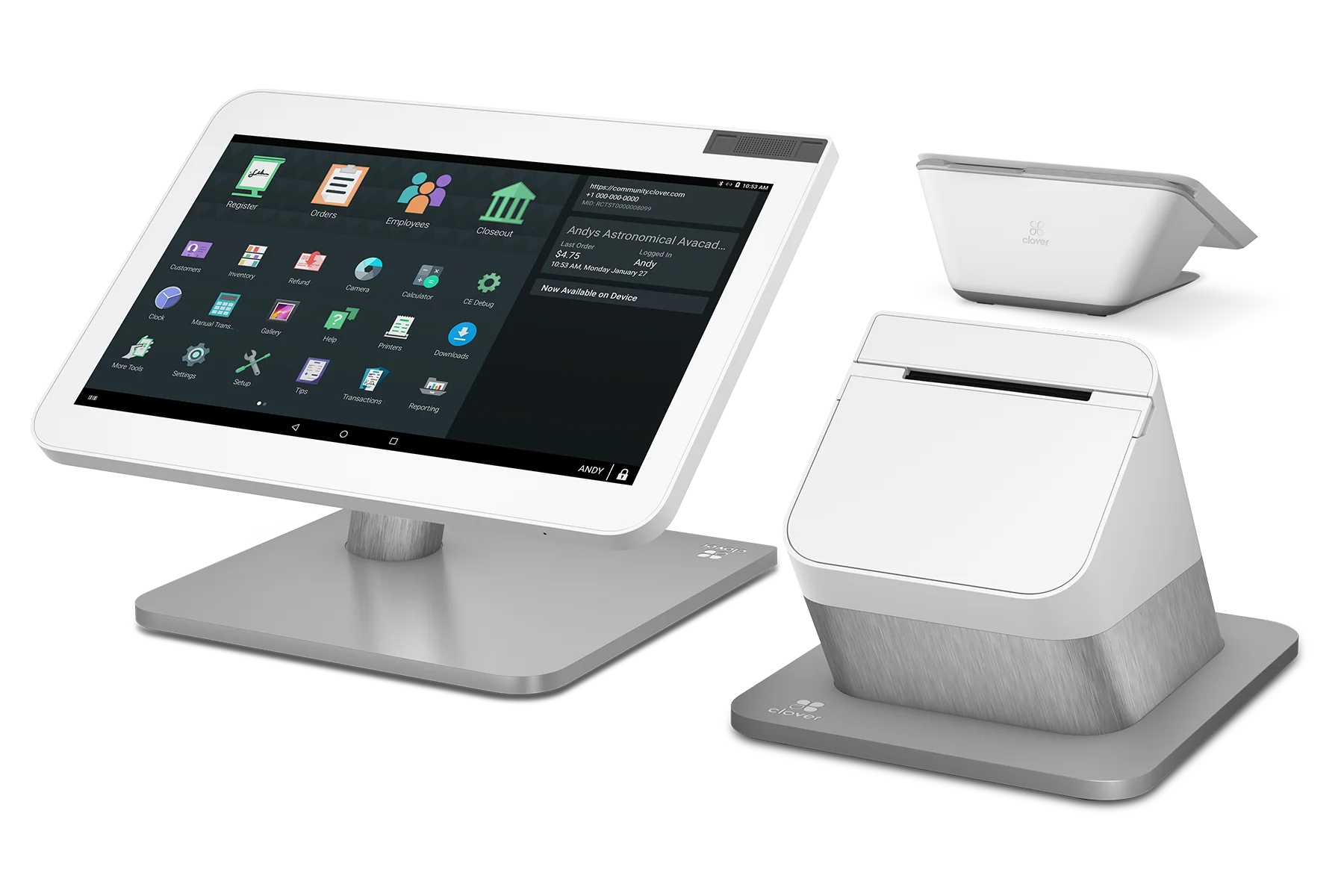
A terminal takes the payment at the counter, a POS runs the sale around it, and a gateway does the same job for payments that arrive without a card in the room. Which of them you need follows from how you sell — and it is configured before it ships, so it arrives ready to take payments.

Flexible equipment options are available, including zero-upfront equipment options for qualified merchants.

Explore POS & Hardware
Pricing

See what you could save.

Compare your current processing costs and get an estimated savings opportunity.

Processing cost is not one number. It moves with your business type, your card mix, your average ticket, your monthly volume, and how much of your business is card-present rather than keyed or online — so we start with your current statement instead of quoting a rate.

Estimates only. Final pricing requires statement analysis and approval.

  1. Your statement A recent processing statement shows what you are actually paying, line by line — not what a rate sheet says you should be.
  2. Your acceptance mix Card-present, keyed, online, ACH and average ticket all move the cost differently, so the mix is reviewed before anything is proposed.
  3. Your program and equipment Interchange-plus, flat rate or a compliant Cash Discount program, and whether your current hardware can stay.
Why Highline

Processing is the start of the relationship, not all of it.

The difference

One relationship. More than one solution.

Most merchants end up with a processor, an equipment vendor and a funding company who have never spoken to each other. Here they are the same conversation — so the terminal suits the program, and the funding review already knows your volume.

  • Built around the business The setup follows how you actually sell — counter, online, mobile, invoice or all of them — instead of a package you have to fit.
  • Pricing programs, not one price Interchange-plus, flat rate or a compliant cash discount program, chosen against your own statement and changeable later.
  • Technology that comes with it Terminals, POS, gateway and bank payments arranged together, so the pieces are chosen to work with each other.
  • Support that already knows your account The same team for the account, the equipment and a dispute — not a queue that starts from scratch.
  • Room to add later ACH, recurring billing, dispute support and funding are added to what you already have rather than started somewhere new.
Questions

Payment processing, answered plainly.

If your question is about your own account, the fastest answer comes from someone looking at your statement.

Talk to Sales
What is payment processing?

It is what happens between a customer paying and the money reaching your bank account. The card, wallet or bank details are captured at your terminal or checkout, sent for authorization, approved or declined by the bank that issued the card, then settled into your account on a funding schedule.

Can Highline support both in-store and online payments?

Yes, and on the same merchant account. In-store acceptance runs through a terminal or POS; online runs through a gateway using a checkout page or a payment link. Both report in the same place, so you are not reconciling two systems or holding two relationships.

Do I need a payment gateway?

You need one to accept payments where the card is not physically present — a website checkout, a payment link, a stored card billed on a schedule, or a keyed phone order. For payments taken at a counter, the terminal usually does that job itself — so which you need follows from how you sell.

Can I keep my existing POS system or terminals?

Often, yes. It depends on the make and model, whether the equipment is locked to your current processor, and what you need it to do. That gets checked before any equipment change is recommended — replacing hardware that already works is the last option, not the first.

Can I accept ACH and eCheck as well as cards?

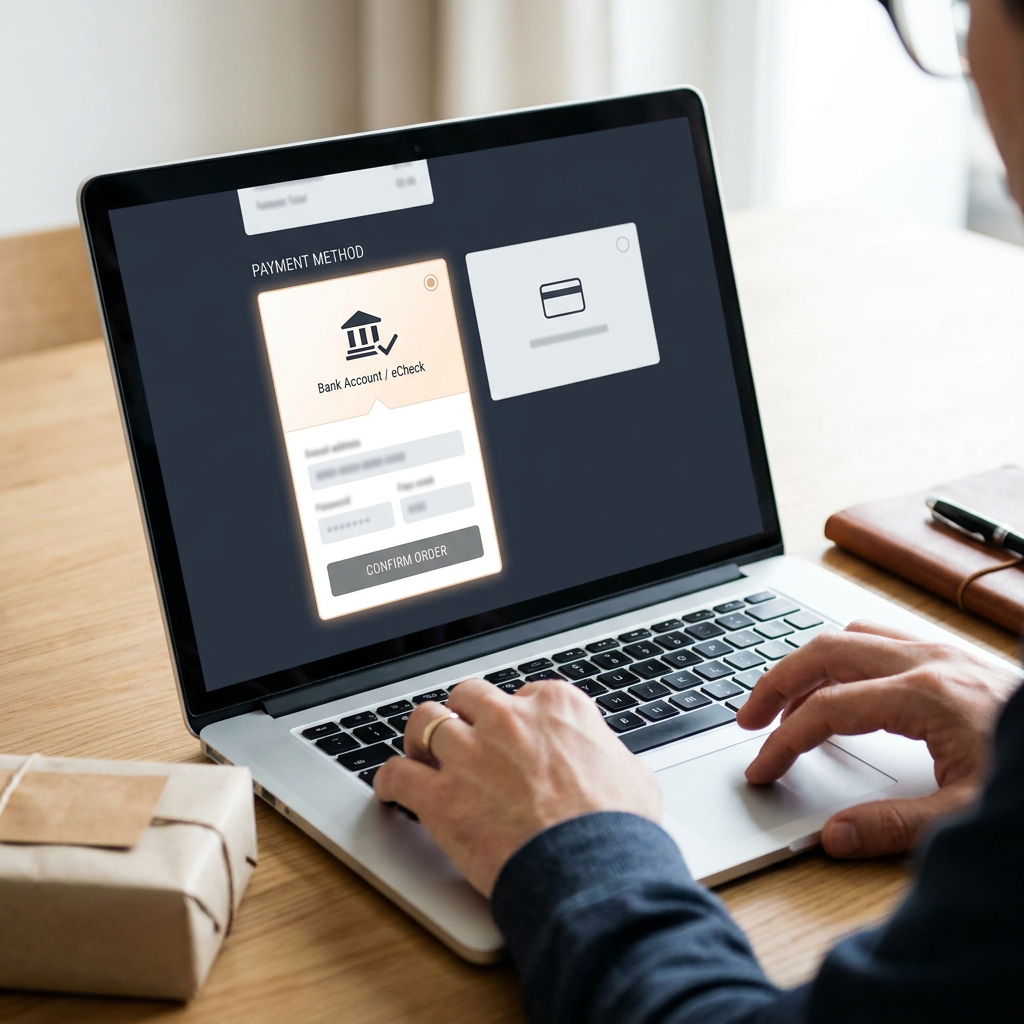
Yes. ACH and eCheck move funds bank to bank and are commonly used for invoices, memberships, payment plans and larger tickets. They are priced differently from card transactions and settle on a different timetable, so they normally sit alongside card acceptance rather than replacing it.

What types of businesses does Highline work with?

Brick-and-mortar and service businesses across retail, restaurants, fuel and convenience, salons and spas and professional services — single-site operators and businesses running several locations on one account alike. Selected higher-risk categories are reviewed case by case, and every account is subject to underwriting and approval.

How is my processing rate determined?

By your business type, monthly volume, average ticket, and how your transactions split between card-present, keyed and online — each of those moves the cost differently. Rather than quote a rate before seeing any of it, we review a recent processing statement and put the numbers side by side. Any figure shown before that review is an estimate, not an offer.

What do you need from me to get started?

A recent processing statement if you already take payments, basic business and ownership details for underwriting, and a picture of how you sell — counter, online, mobile, invoice, or some combination. From there you get a written comparison and a recommended setup before anything is signed.

Get started with Highline

Ready for a better payment setup?

Processing built around your business.

  • Statement analysis before you switch
  • Equipment configured before it ships
  • One relationship for processing, technology and funding