Restaurants

Payments That Keep Up With a Full Dining Room.

Close checks at the table, tap at the bar, take orders online and cash out cleanly at the end of the night — on one restaurant account, with hardware picked for your floor and a team that knows what a Friday service looks like.

Offer Up to a $5,000 welcome bonus for qualifying restaurants
Restaurant POS Illustrative
Pay at the table Tap & contactless Tips at checkout Open tabs

Equipment shown is illustrative. Your configuration is chosen with you.

How service runs

Every station on your floor is a payment point.

A restaurant does not have one till. It has a counter, a bar, a dining room, a patio, a phone and a website — and all of them need to take money without slowing service down. Pick a station to see how it is handled.

One merchant accountOne batch at closeOne report

Counter & takeout

The register that never leaves its spot.

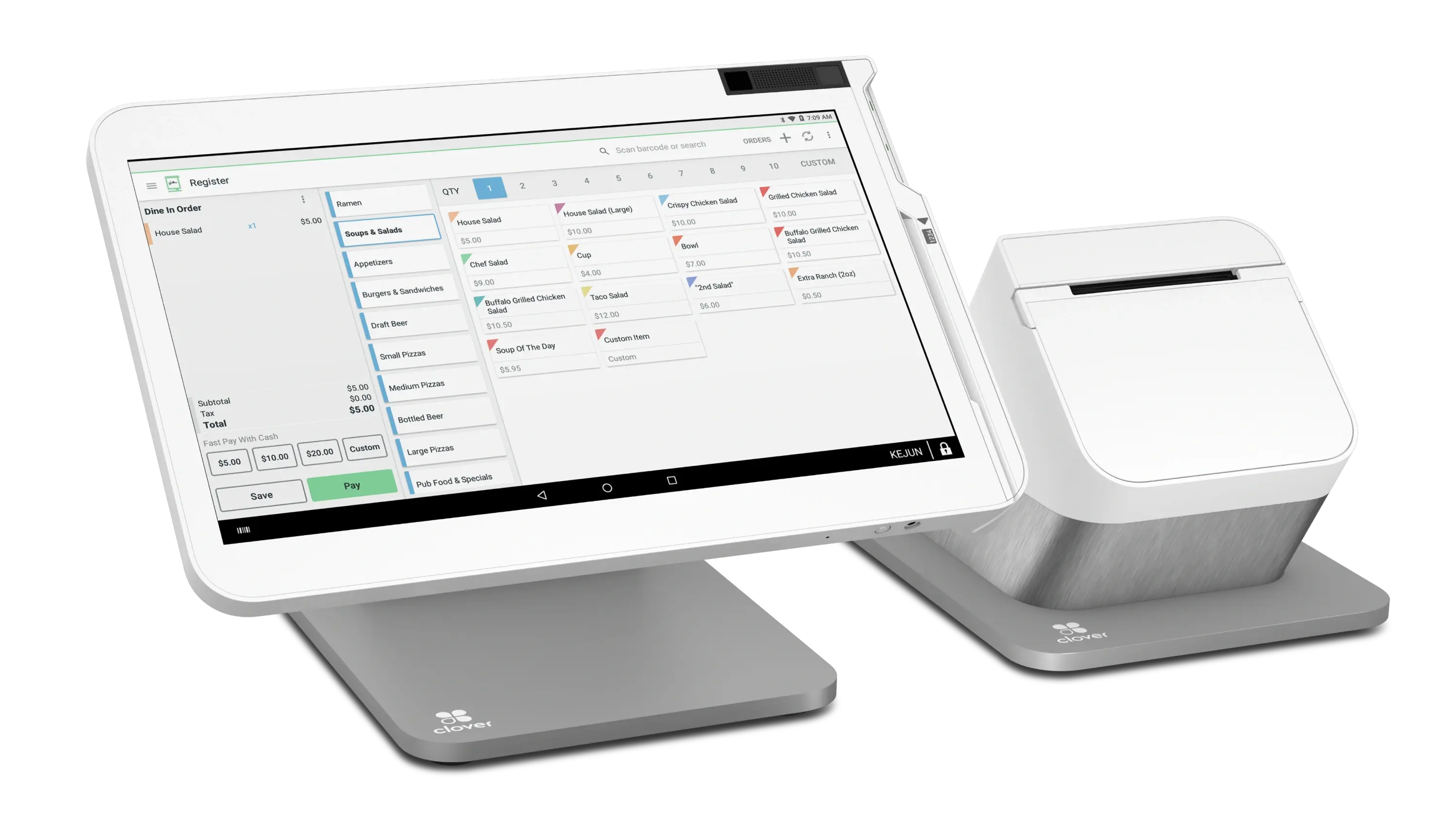
Walk-ins, pickup orders and phone orders all land at the same station. A countertop terminal keeps it simple for whoever is on the till, prints or emails the receipt, and batches at the end of the night with everything else.

  • HandlesCard present, keyed pickup orders, refunds
  • Good forFast casual, takeout counters, front-of-house registers
Countertop POS Illustrative
Bar

A bar runs on speed, so let people tap.

Contactless and wallet payments clear a bar queue faster than anything else on the floor. Tabs can stay open on a card and close on a tap, and tip prompts appear at the point of sale rather than on a scribbled slip.

  • HandlesContactless, wallets, open tabs, tips
  • Good forBars, taprooms, service wells, high-volume rounds
Contactless Reader Illustrative
Tables

Close the check where the guests are sitting.

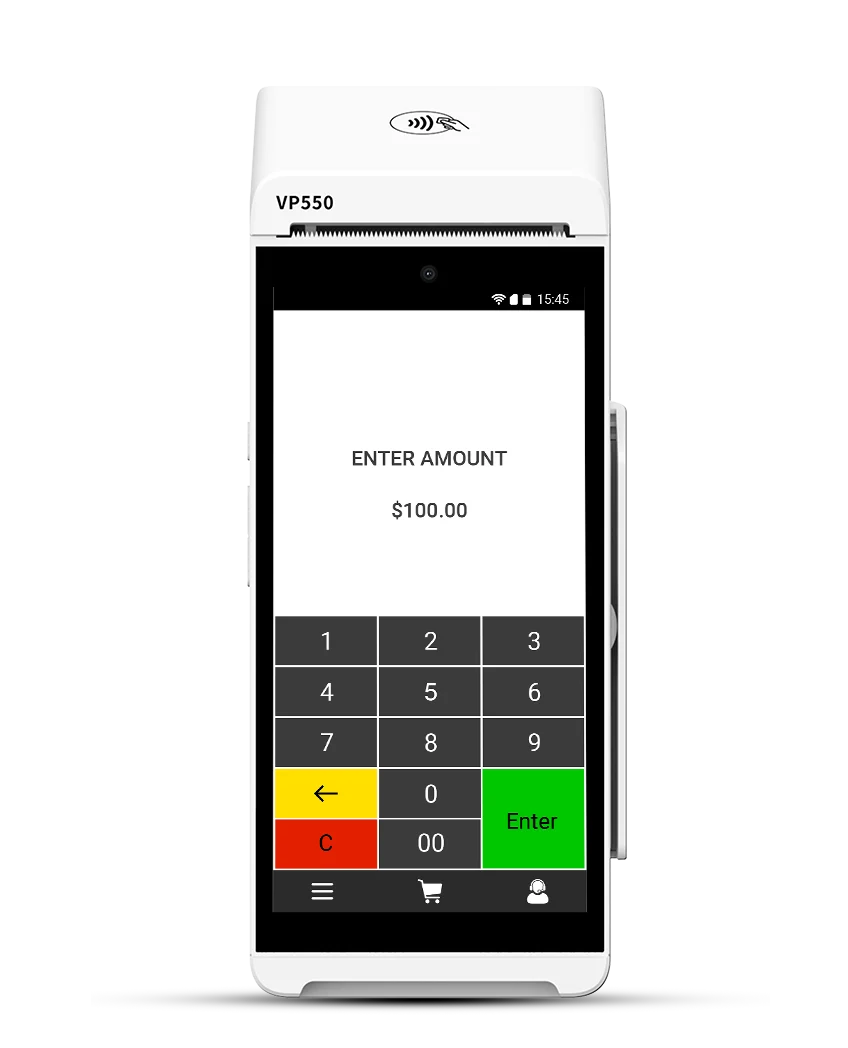
A handheld means the card never leaves the table and the server never walks the floor twice. Splits, tips and separate checks are handled in front of the guest, which is usually where the confusion would otherwise start.

  • HandlesPay at table, splits, tips, separate checks
  • Good forFull service, patios, large parties, table turns
Portable Terminal Illustrative
Patio & curbside

Payment follows the guest outside.

Seasonal patios, sidewalk seating, curbside pickup and events all sit outside the reach of a fixed till. A paired mobile reader takes the same transaction wherever there is coverage, and reports back to the same account.

  • HandlesCard present away from the building, emailed receipts
  • Good forPatios, curbside, markets, off-site catering
Mobile Reader Illustrative
Online & QR

Orders that arrive already paid.

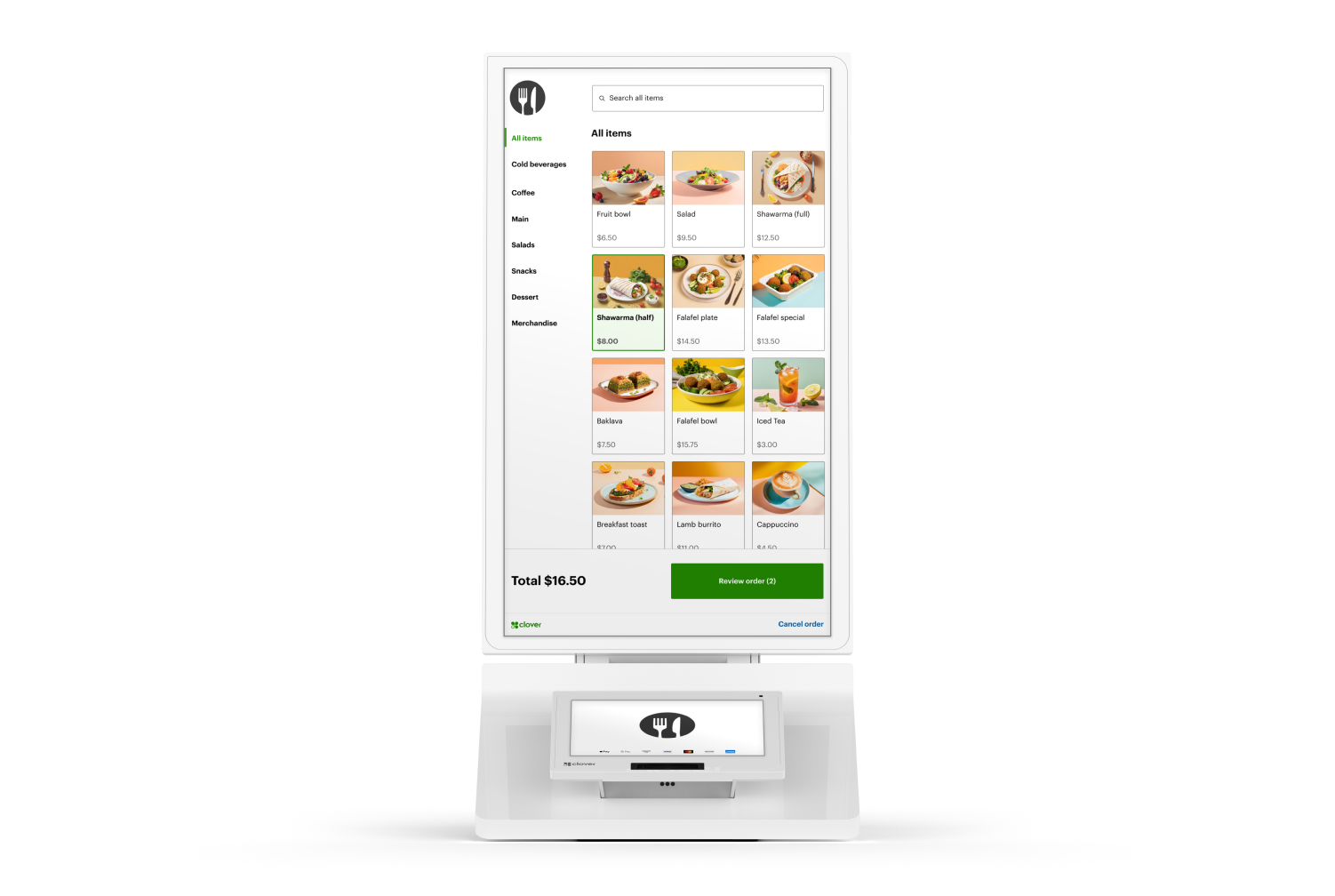
Take payment through your own ordering page, a payment link, or a QR code on the table. Card data is tokenized by the gateway, so you are not holding card numbers, and online sales report alongside your in-room takings instead of in a separate system.

  • HandlesOnline ordering payment, payment links, QR at table
  • Good forPickup, pre-orders, deposits on large bookings
Online Ordering Illustrative
Close-out

One account, one batch, one report.

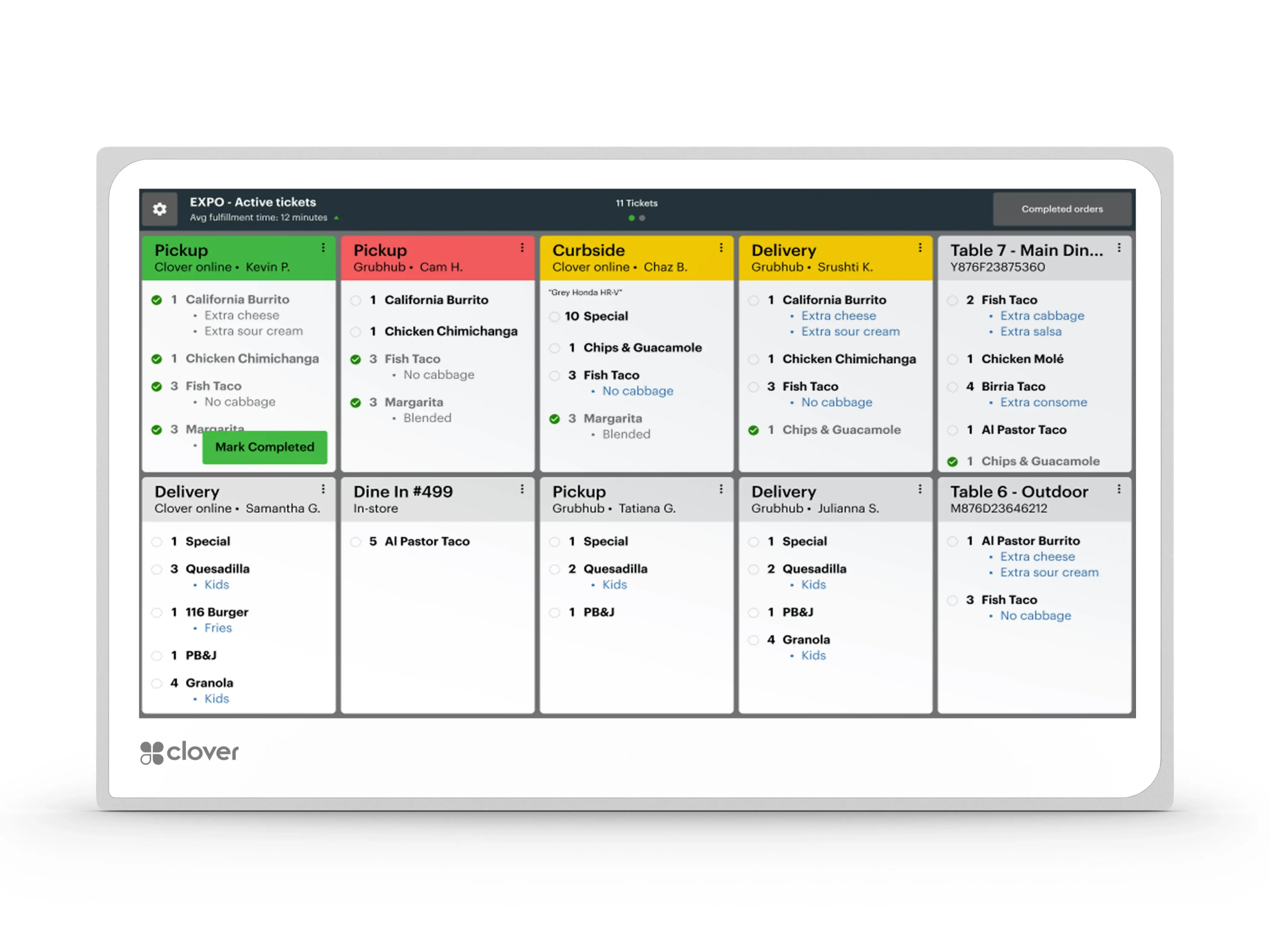
Every station above settles into the same place. At close you batch once and see the night in one report — sales by station, tips captured at the point of sale, and what is funding to your bank account on your funding schedule.

  • HandlesEnd-of-night batch, tip totals, funding visibility
  • Good forThe person counting the drawer at 11pm
Restaurant POS Illustrative
Service style

Counter service and full service are two different setups.

A queue wants the payment to be the fastest part of the transaction. A dining room wants the payment to happen without the guest getting up. Those are different problems, and a room that is sold the wrong one spends a year working around it.

Counter and quick service
The constraint is the line. A fixed station that opens a second lane in a rush, and a handheld used to take payment down the queue rather than to walk to a table.
Full service
The constraint is the walk. A handheld closes the check where the guests are sitting, which is the difference between one table turn and two on a Friday.
Most rooms are both
A bar, a counter for takeout and a dining room, on one account and one close-out. That is normal — it is a configuration, not three merchant accounts.
Tips are a workflow question
Whether tips are prompted, adjusted after the fact, attributed by server or pooled depends on the POS software, not on the card reader. It is confirmed against the system you choose rather than assumed.
So is splitting a check
By seat, by item or evenly — the behavior differs between systems, and it is worth asking to see it done before anything is signed rather than after.
POS & Hardware

Equipment picked for your floor plan.

Equipment & Financing
Clover Station Solo

The station the whole service runs through.

A single-screen all-in-one restaurant POS: take the order, fire it to the kitchen, print the bill, take the payment.

  • Payment methodsCard swipe and chip insert
  • NetworkWired Ethernet, Wi-Fi 802.11 a/b/g/n/ac dual-band 2.4 GHz / 5 GHz, or LTE
  • Merchant display14-inch, 1920 x 1080, tilts to accommodate different heights
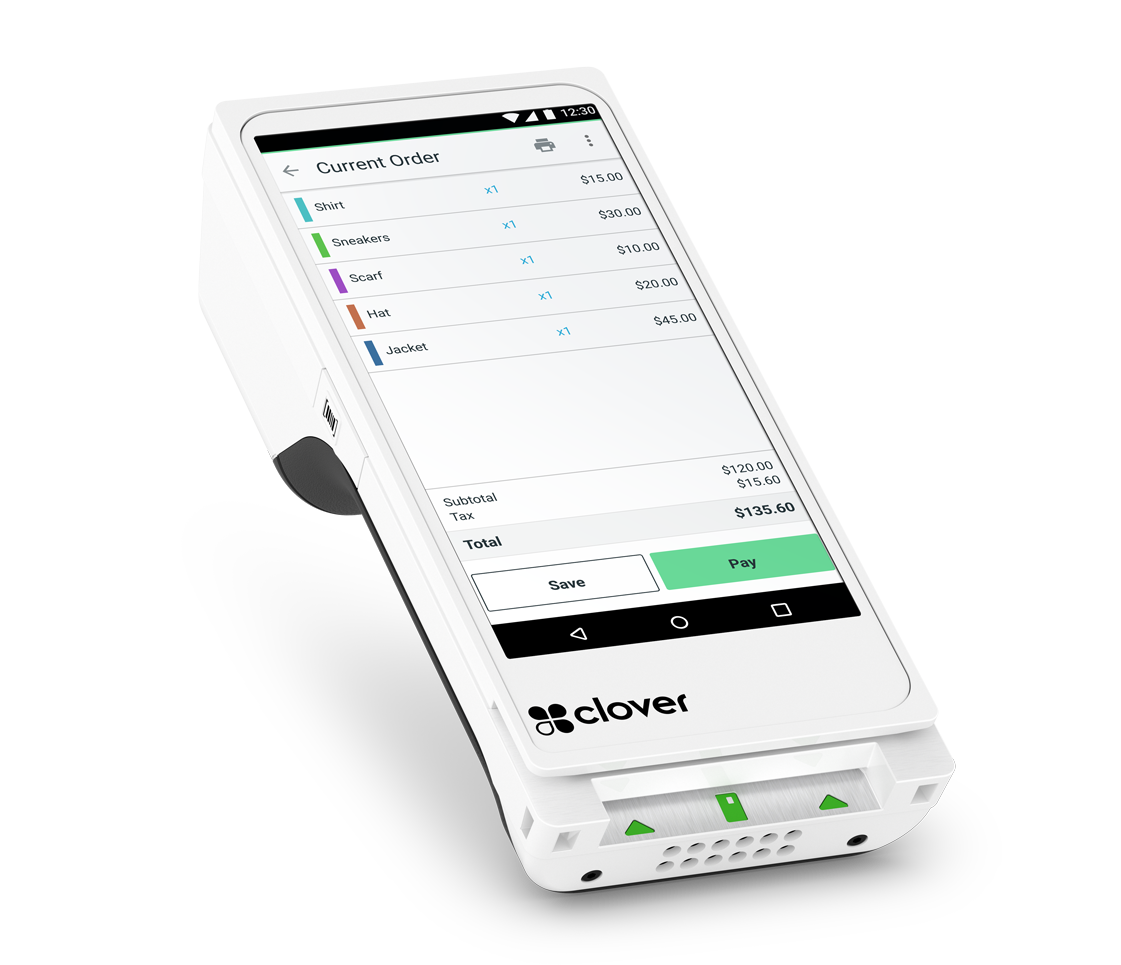
View details for Clover Station Solo

Flexible equipment options are available, including zero-upfront equipment options for qualified merchants. Availability depends on the equipment selected and on underwriting.

What changes on the floor

The practical difference during service.

  • Faster checkout means faster turns.

    The slowest part of most table service is not the food — it is the walk to the terminal, the walk back, and the second walk when the party wants to split it. Closing the check at the table removes all three, and the table is free sooner.

  • Take payment however the guest wants to pay.

    Chip, contactless, wallets, keyed phone orders, online ordering and QR at the table — all on the same merchant account and the same reporting.

    • Contactless
    • Wallets
    • Chip & swipe
    • Online
    • QR
    • Phone orders
  • Equipment options

    Buy outright or finance, with zero-upfront options for qualified merchants. Add a station for a second service area without starting a new relationship.

  • Payments and POS, connected

    The payment side is set up with the point of sale rather than after it, so tips, splits and close-out behave the way the floor expects.

  • Support that knows a service

    A team that understands restaurant workflow — tips, tabs, batches, and what a broken terminal on a Saturday actually costs.

Restaurant switch offer

Up to $5,000

Up to a $5,000 welcome bonus when you move your restaurant to Highline.

Available to qualifying restaurants switching their processing to Highline. The award is confirmed as part of your review — it is not a rate, a credit approval or a guarantee.

  • QualifyingRestaurant merchants switching their processing to Highline
  • Confirmed byStatement analysis, underwriting and approval
  • Also reviewedEquipment options and funding at the same time

Promotional terms and eligibility apply and final terms are still to be confirmed. All applications are subject to underwriting, approval and program terms. Estimates shown anywhere on this site are for illustration and are not an offer of credit or a guarantee of pricing; final terms require statement analysis and approval.

Cash Discount

A way to offset processing cost at the check.

A compliant Cash Discount or dual-pricing program shows two prices — one for cash, one for other payment methods — so the cost of card acceptance is carried at the point of sale rather than absorbed into your margins.

  • It is a program, not a rate. Choosing it changes how the cost is presented at checkout. It does not by itself set what you pay — that still comes out of a statement review.
  • Disclosure is part of it. Menus, signage and receipts have to show the pricing clearly. Getting this right is part of setup, not an afterthought.
  • It is optional, and it is reversible. Plenty of restaurants run standard pricing instead. If it does not suit your room, you can be moved back to a conventional program.
  • Your guests should not be surprised. The rooms where it works best are the ones where the pricing is obvious before anyone orders.
Business funding

Capital for the things a restaurant actually needs it for.

Reviewed alongside your processing rather than as a separate application.

  1. New equipment Adding a station, replacing a terminal that is holding up service, or kitting out a second service area.
  2. A second location Fit-out, deposits and the equipment that has to be in place before the doors open.
  3. Renovation & refresh Front of house, patio build-outs, kitchen upgrades and the work that has to happen between seasons.
  4. Working capital Covering the quiet months, a slow start to a season, or a stock-up before a busy one.

Programs, amounts and terms are subject to underwriting and approval, and differ by business. Nothing here is an offer of credit.

Why Highline

Set up by people who have configured a restaurant before.

Processing, the point of sale and the funding conversation come from one relationship, so nobody is waiting on a third party to call back mid-service.

Configured, not shipped
Tips, splits, tabs and service areas are set before the hardware arrives, so the first service on the new system is not the one that finds the problems.
Breadth behind the account
45+ banking relationships and 20+ supported currencies, so a room that adds delivery, a bar program or a second site changes its setup rather than its provider.
Programs you can change
Interchange-plus, flat rate or a compliant Cash Discount program, with the ability to move between them if the room changes.
One team for all of it
Processing, hardware and funding sit with the same people, so the terminal suits the program and the funding review already knows your volume.
Questions

Restaurant payments, answered plainly.

If the question is about your own room, the useful answer comes from someone looking at your statement and your floor plan.

Talk to Sales
Can my servers take payment at the table?

Yes. A portable handheld runs the same transaction your countertop terminal would, with the card staying in the guest’s hand. Splits, separate checks and tips are all handled at the table. How many handhelds a room needs depends on your section layout and your covers, which is part of the setup conversation rather than a fixed number.

We run a counter and a dining room. Is that two systems?

No. It is one merchant account and one close-out; what differs is the hardware in each part of the room. A fixed station suits a takeout counter where the constraint is the queue, and a handheld suits a dining room where the constraint is the walk. A bar usually wants a third answer again — contactless, fast, and forgiving of a wet hand.

The reason to say this out loud is that rooms doing both are often sold the setup for one of them, and then spend a year working around it. Which stations you need comes out of a walk-through rather than out of a package name.

Do I have to replace my current POS?

Not necessarily. It depends on the make and model, on whether the equipment is locked to your current processor, and on what you need it to do during service. That gets checked before any change is recommended — a system your staff already know how to run on a Friday night is worth keeping if it can stay.

How are tips handled?

Tips are captured at the point of sale — on the handheld at the table, on the terminal at the counter, or on the checkout page online — and reported with the rest of the night’s sales, so the close-out figure is not assembled by hand. How tips are then distributed is your policy; the system’s job is to record them accurately.

Can we take online and QR orders too?

Yes. Online payments run through the gateway using a hosted checkout page, a payment link, or a QR code at the table, with card data tokenized so you are not storing card numbers. Online sales report through the same merchant account as the dining room, so you are reconciling one thing rather than two.

Do I have to run Cash Discount?

No. It is one program among several — interchange-plus and flat rate are both available, and plenty of restaurants stay on conventional pricing. If you do run it, menu, signage and receipt disclosure are part of the setup, and you can be moved back to a standard program if it does not suit the room.

Can Highline help fund equipment for a second location?

Funding programs cover uses like equipment, fit-out, renovation and working capital, and they are reviewed alongside your processing rather than as a separate application. Amounts, programs and terms depend on underwriting and approval, so nothing can be promised before that review.

Get started with Highline

Ready for a floor that takes payment properly?

Tableside. Counter. Online. One account.

  • Statement analysis before you switch
  • Hardware configured before it ships
  • Up to a $5,000 welcome bonus for qualifying restaurants